1
Start a queue at reception
Start a queue in the browser at reception, without registration, and print the QR code for the entrance. You need no ticket printer and no extra hardware.
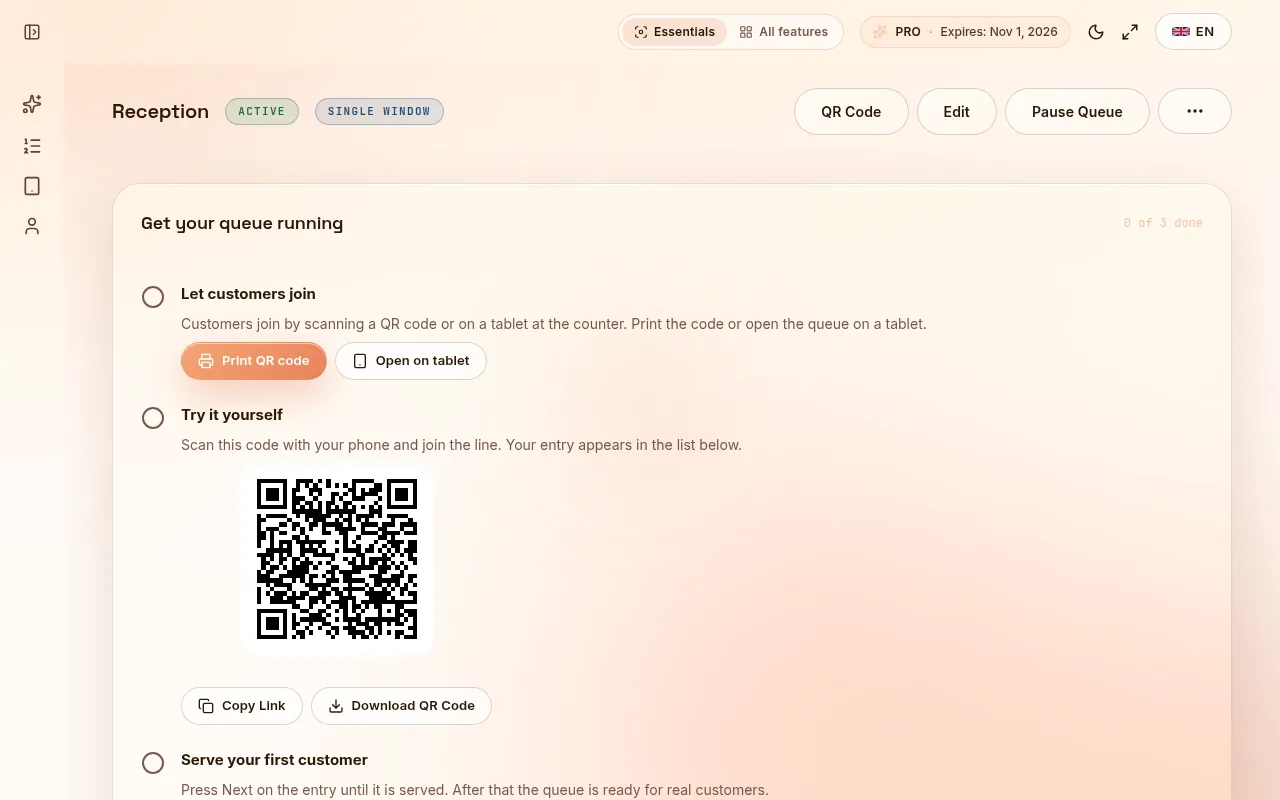
In the morning the waiting room fills up, and patients stand in the corridor because there are not enough chairs. Reception staff answer the same question about the wait many times a day. Patients with an appointment and walk-in patients mix, and nobody knows who is next.
Start a queue in the browser at reception, without registration, and print the QR code for the entrance. You need no ticket printer and no extra hardware.
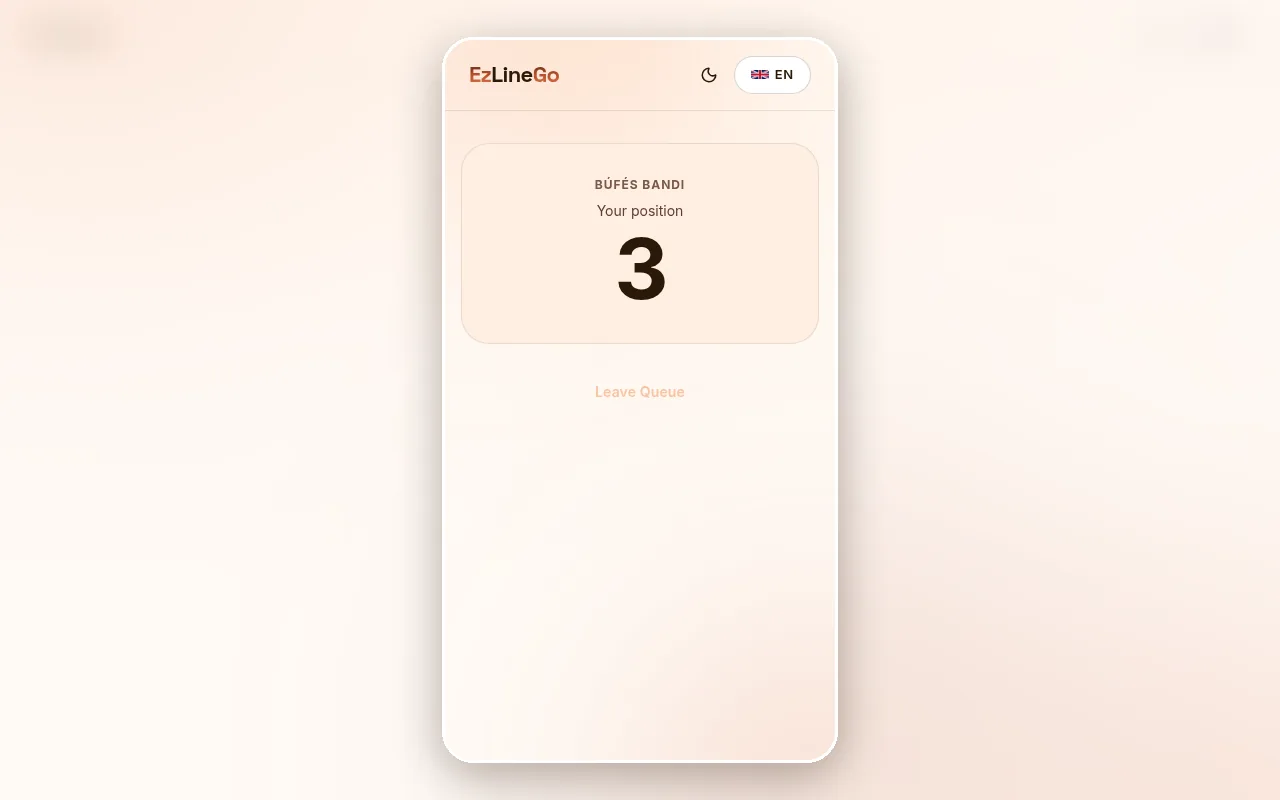
Patients scan the QR code, take a number on their phone and can wait outside or in the car. The page shows their number and their place in the queue.
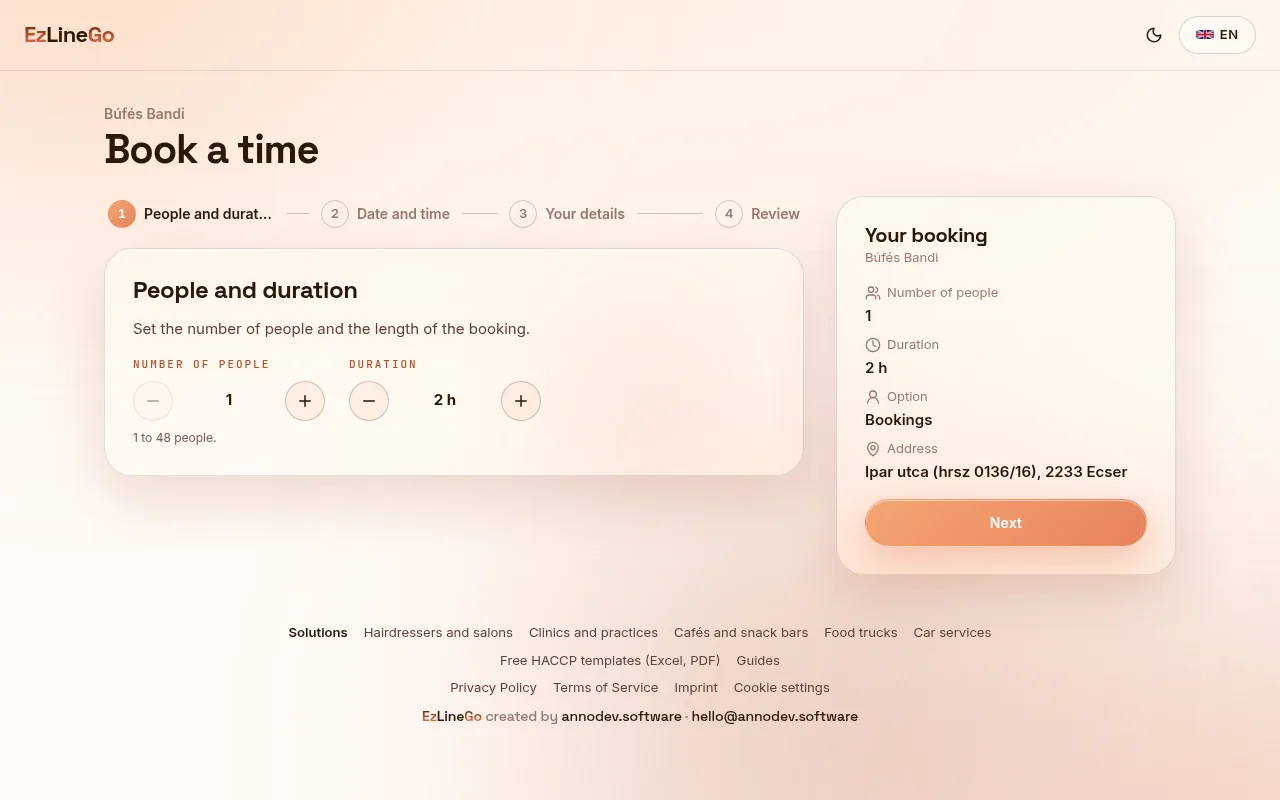
For checkups and planned treatments, patients book a time on your booking page and get a reminder e-mail. Reception sees every booking in one calendar and calls queue numbers from a tablet.
The Free plan costs nothing, you only register. Pro costs 15 EUR per month, the first 30 days of Pro are free, and you need no card to start.
GuidesPatients scan a QR code at the entrance and take a number on their phone. They wait outside or in the car and come in when their number is called.
No. The queue runs in the browser, the QR code is printed on paper, and reception calls the next number from a phone or a tablet.
Yes. You get a booking page with your services, opening hours, days off and holidays. Patients book, move or cancel the appointment themselves and get a reminder e-mail before it.
Yes. Pet owners take a queue number by QR code or book a time online, in the same way as at any other practice.
Start a queue in the browser without registration and print the QR code. Try Pro free for 30 days, no card needed.