When and why to use it
Use it for every vehicle that comes in for repair or service, from a quick tyre change to a major repair, and for jobs where the customer leaves the vehicle overnight.
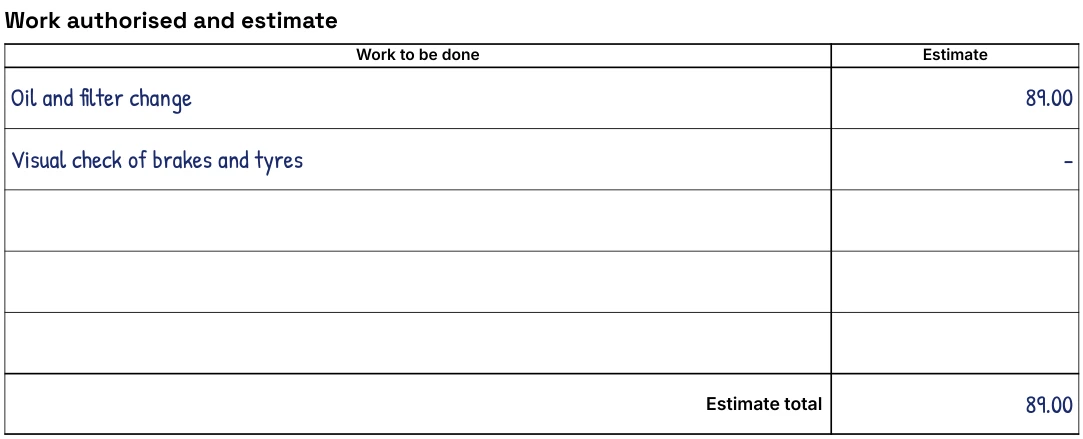
A mechanic work order, also called a job card, is the written agreement and the record of a repair from drop-off to collection. This free mechanic work order template is for independent garages, tyre shops, motorbike and bicycle repairers. It records the customer and contact details, the vehicle, registration, VIN and mileage, the customer’s complaint, the work authorised and the estimate, the parts with quantity and price, labour hours and rate, the total, the technician, and the customer’s signatures for authorising and collecting. The two-page form also records the fuel level at drop-off, the amount above which you call the customer, and every extra job agreed by phone with the time, price and answer.
EZLineGo is software for small businesses: queue management, appointment booking, digital menus and HACCP logs on your phone.
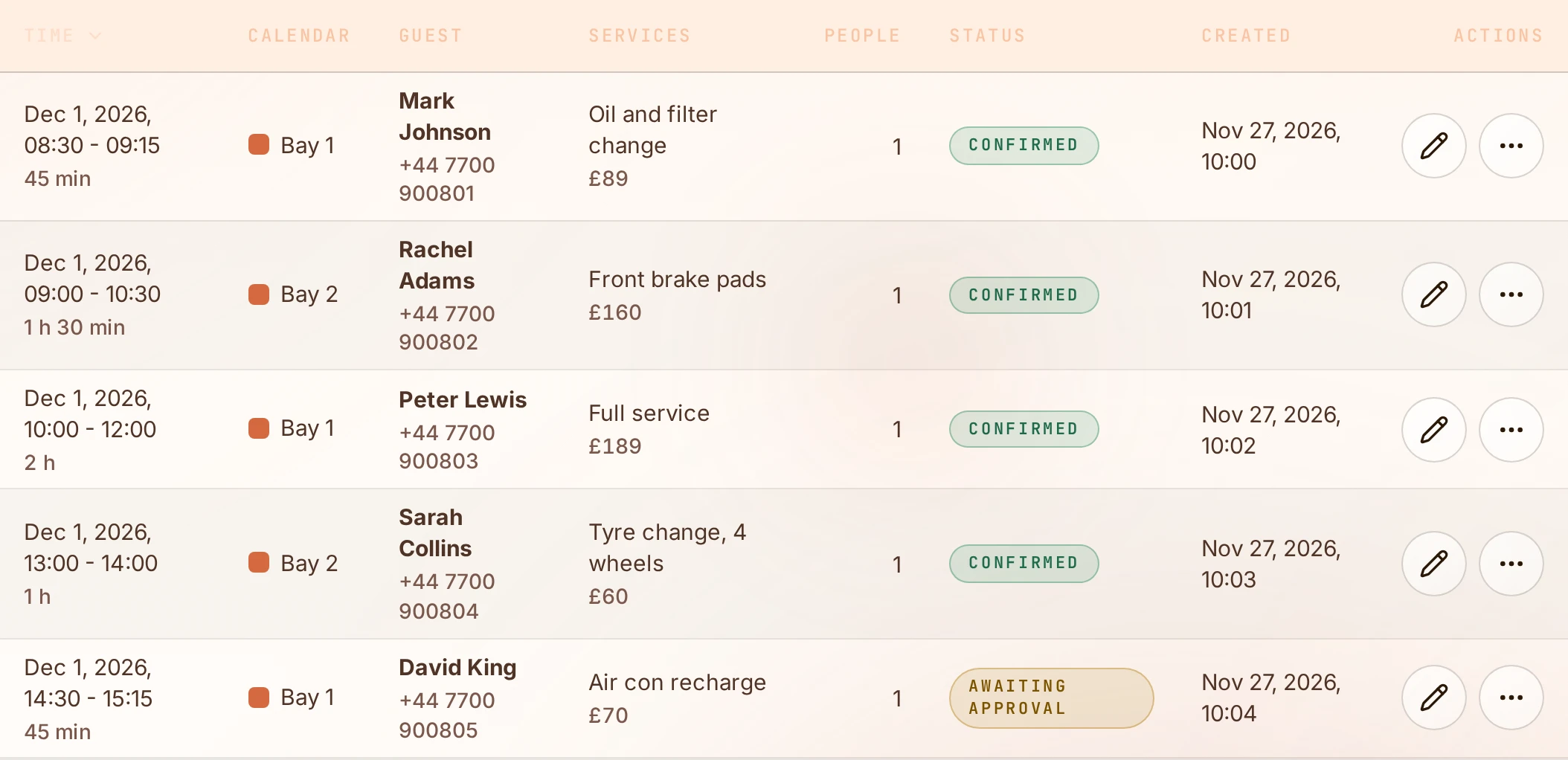
A garage can take service bookings with customer name, phone, booked services with duration and price, total and staff note.
Use it for every vehicle that comes in for repair or service, from a quick tyre change to a major repair, and for jobs where the customer leaves the vehicle overnight.
No law prescribes a work order form. In the UK, the Consumer Rights Act 2015, section 49, requires a trader to perform a service with reasonable care and skill, and the signed work order is your evidence of what was agreed. Write the complaint in the customer’s words, the estimate before work starts, and any extra work only after the customer agrees and you note the time and how. Keep the customer’s contact details only as long as you need them under the GDPR or the UK GDPR.
legislation.gov.uk: Consumer Rights Act 2015, section 49 · 2026-11-26
Get the customer’s signature for the work and the estimate before you start, and again for any extra work found during the job.
Work order number 2026-0412, Date in 10 March 2026 08:15, Ready by 10 March 17:00. Vehicle: compact hatchback, registration and VIN written, Year 2018, Mileage in 98,450, Fuel level in one quarter. Complaint: squeal from the front when braking. Work to be done: replace front brake pads, Estimate 145.00; check brake discs, 0.00; Estimate total 145.00. Call above 50.00. At 11:20 the discs are below minimum thickness: Work and reason: replace front discs, worn; Price 160.00; Answer yes; Called by MT. Page 2: parts pads 48.00 and discs 2 × 52.00, Parts total 152.00; labour 2.0 hours at 65.00, Labour total 130.00; Subtotal 282.00, Tax (rate %) 20 %, 56.40, Total to pay 338.40. Mileage out 98,452.
No. The work order records what was agreed and done. The invoice asks for payment and must meet the invoice rules of your country.
A garage can take service bookings with customer name, phone, booked services with duration and price, total and a staff note.
No. The PDF and the editable file are free without registration. Using the app needs an account; you can try it free for 30 days.
The templates help with daily work. They do not replace legal, employment or tax advice.